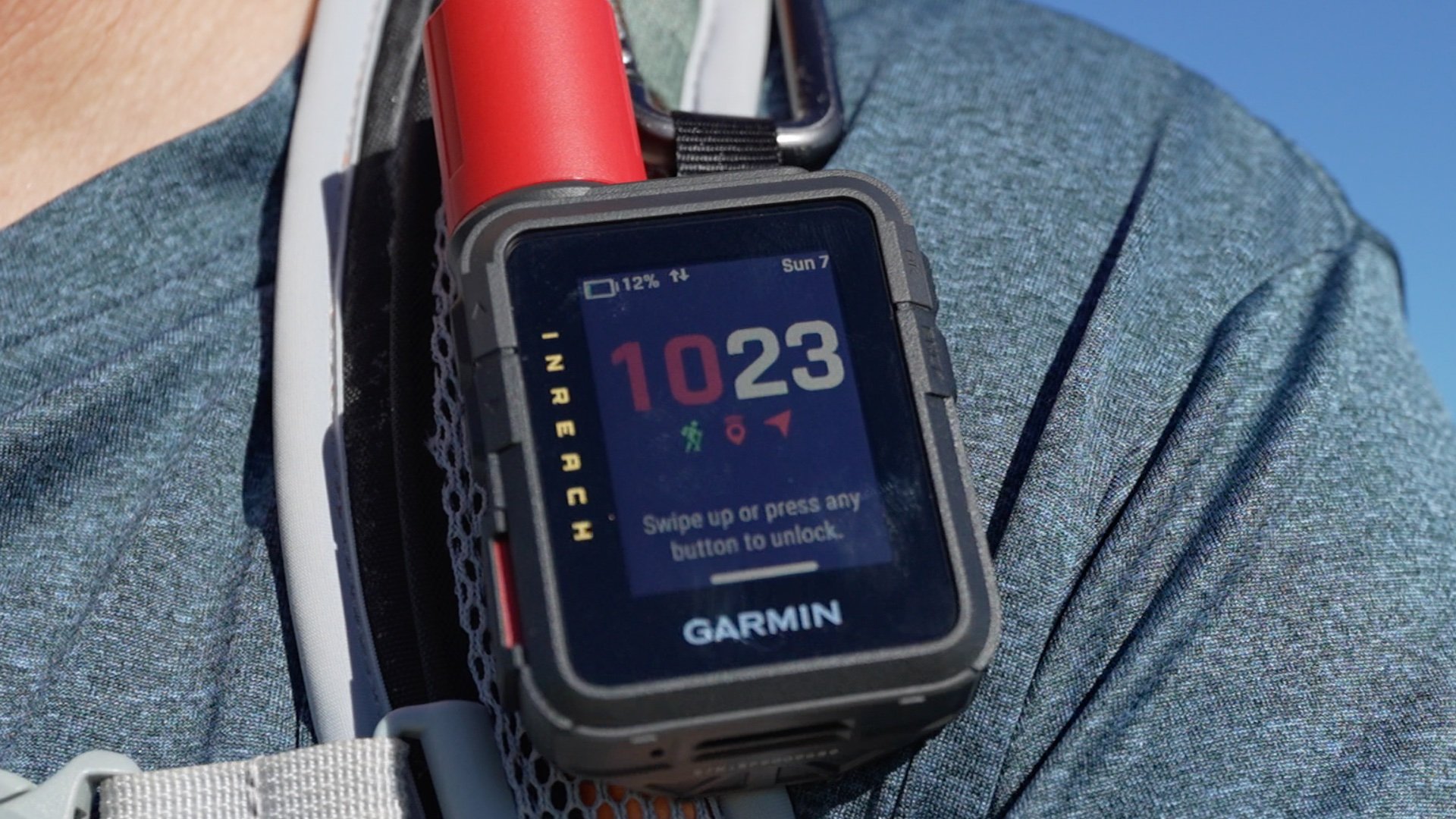
Garmin inReach Mini 3 Plus First Impressions
I picked up the Garmin inReach Mini 3 Plus on launch day and took it straight out on the trail. After using the Mini 2 for years, I was curious how the new touchscreen, interface, and messaging upgrades would feel in real hiking conditions, and a few things stood out right away.
No Sponsors, No AI
I didn’t accept a free inReach Mini 3 from Garmin. I bought it myself so I could share honest observations, not marketing bullet points. If you’d like to support independent, ad-free reviews like this, you can join me on Patreon or use my affiliate links at Amazon or REI. Every bit helps keep the site going.
Mini 3 Size
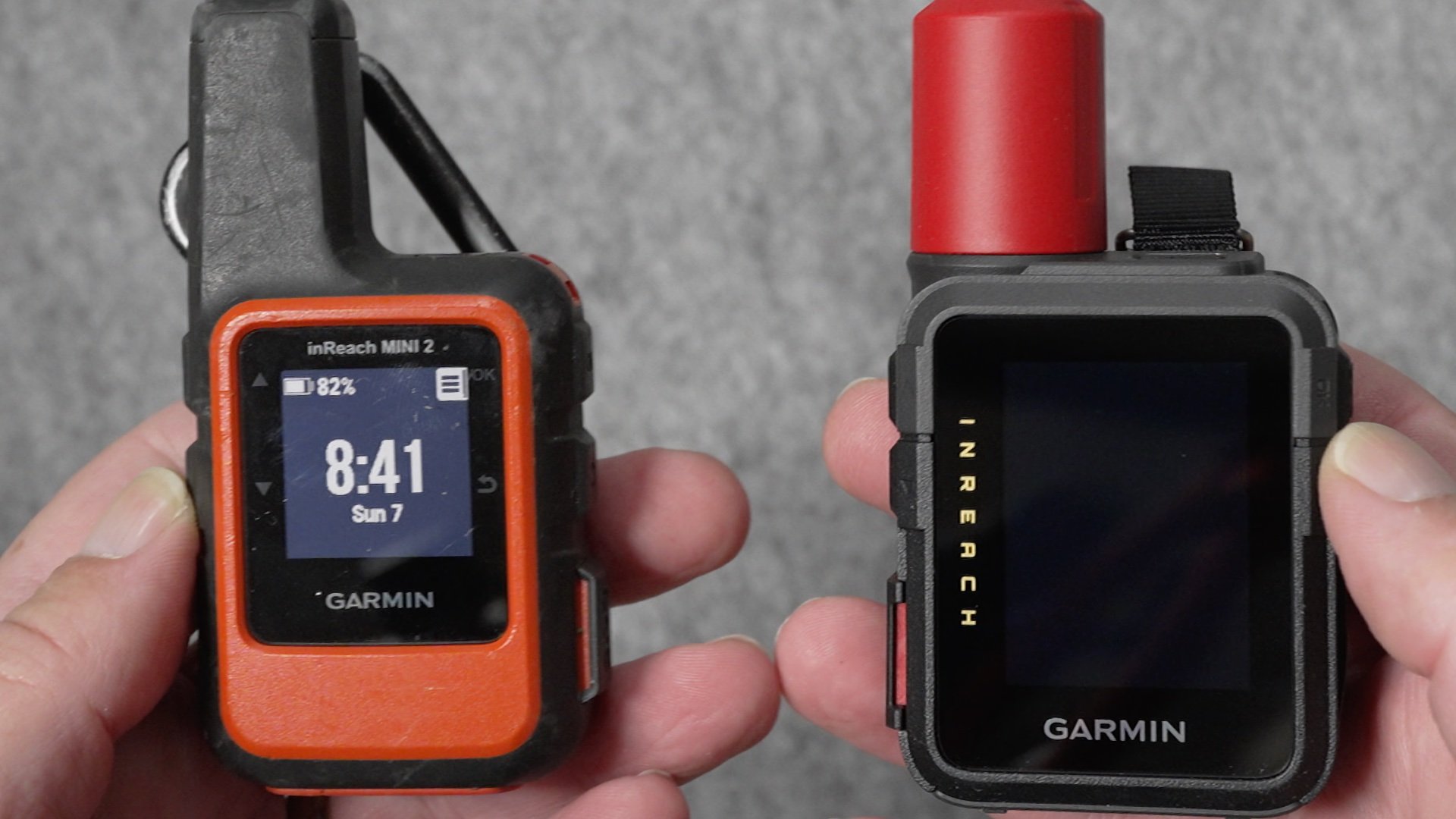
The Mini 3 Plus is a little bigger than the Mini 2, but in the hand it feels about the same. The SOS and USB-C ports have swapped sides, and it still includes the loop attachment and carabiner for clipping to a pack. There’s also a threaded mount now, which lets you use the newer spine mount system found on the GPSMAP H1.
Touchscreen
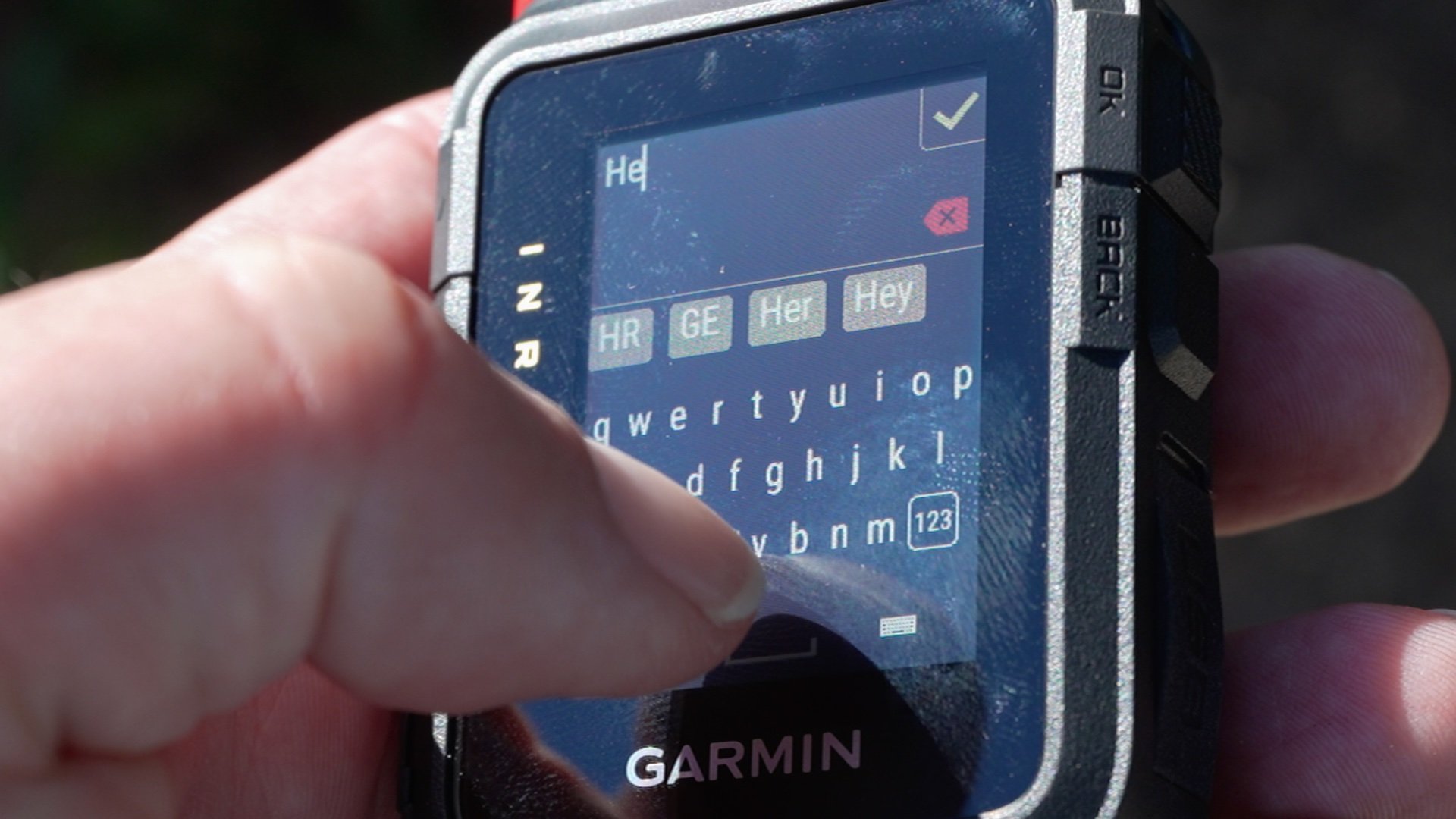
The big change on the Mini 3 is the touchscreen, and so far it works well. I’ve been testing Garmin’s newer touch units for a while now, and the Mini 3 feels similar: it rests in the palm of your hand, simple to swipe with your thumb, easy to move through menus, and a little more intuitive than the old button-only setup. I haven’t had it out in a storm yet, but the eTrex Touch handled wet conditions excellently, so I’m expecting similar performance here.
I was most excited about getting a full QWERTY keyboard for typing messages. You can thumb-type, but the tiny keys are tough to hit accurately. Garmin lets you switch layouts, and the grid keyboard is a nice option, but it still takes some patience. Even with that, the touchscreen hardware itself feels solid and is a big upgrade over the Mini 2.
If you don't like the touchscreen you can turn it off in the swipe-down menu, but not in the settings.
Interface
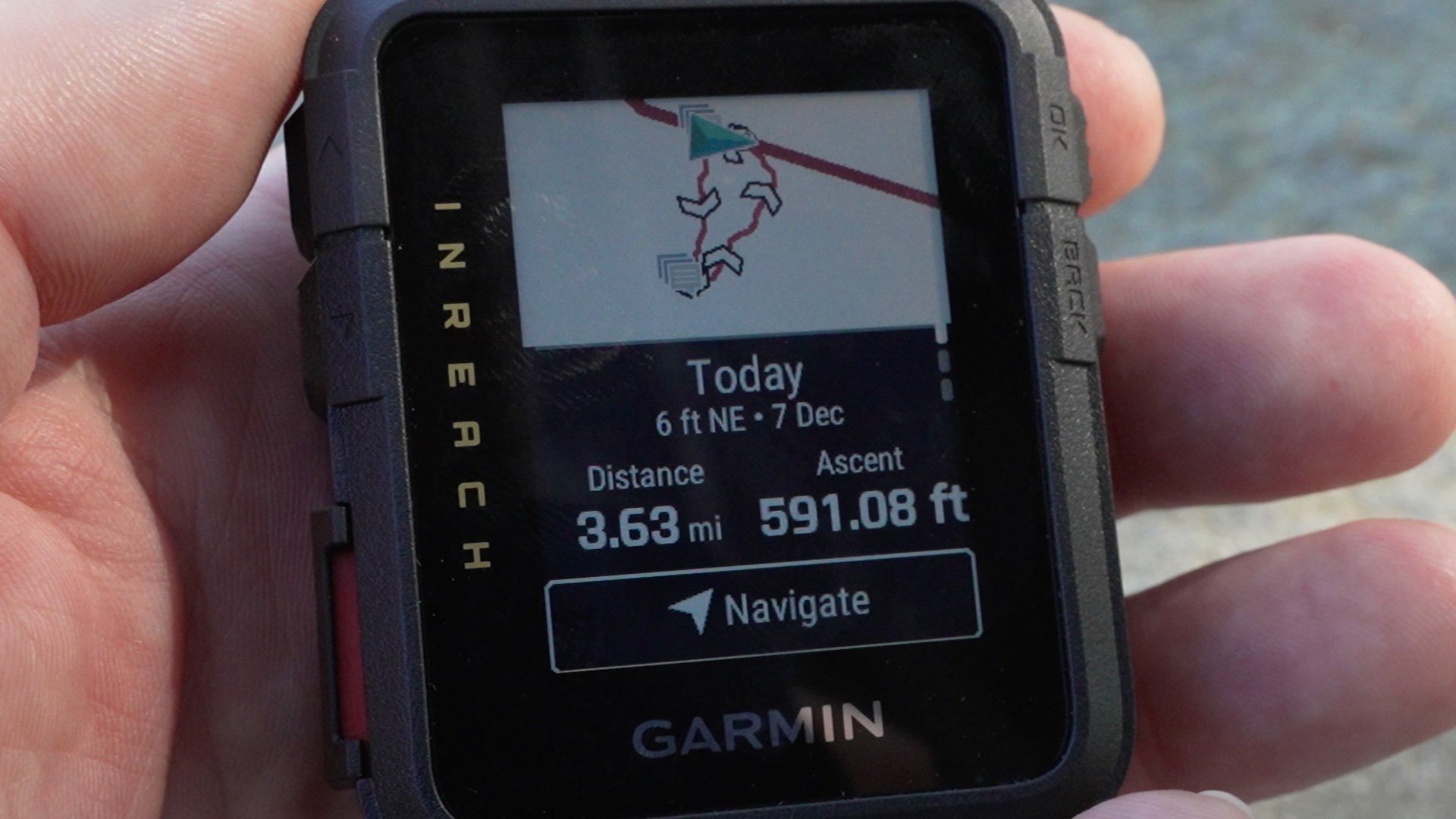
The Mini 3 uses a new interface that feels much closer to the eTrex Touch and the GPSMAP H1. To record a track, you start an activity, just like you would on a Garmin watch. Live sharing over satellite is simply a toggle inside that activity, so the whole flow feels familiar if you’ve used any Garmin device in the last few years. The physical buttons are the same up, down, in, and out controls you see on their wearables, and you can customize some of the glances and menu items.
Garmin also brought over voice commands from the GPSMAP H1 and newer watches like the Fenix 8. They work, but I haven’t found them especially helpful on something as simple as a Mini. More of a novelty than a must-have.
Maps
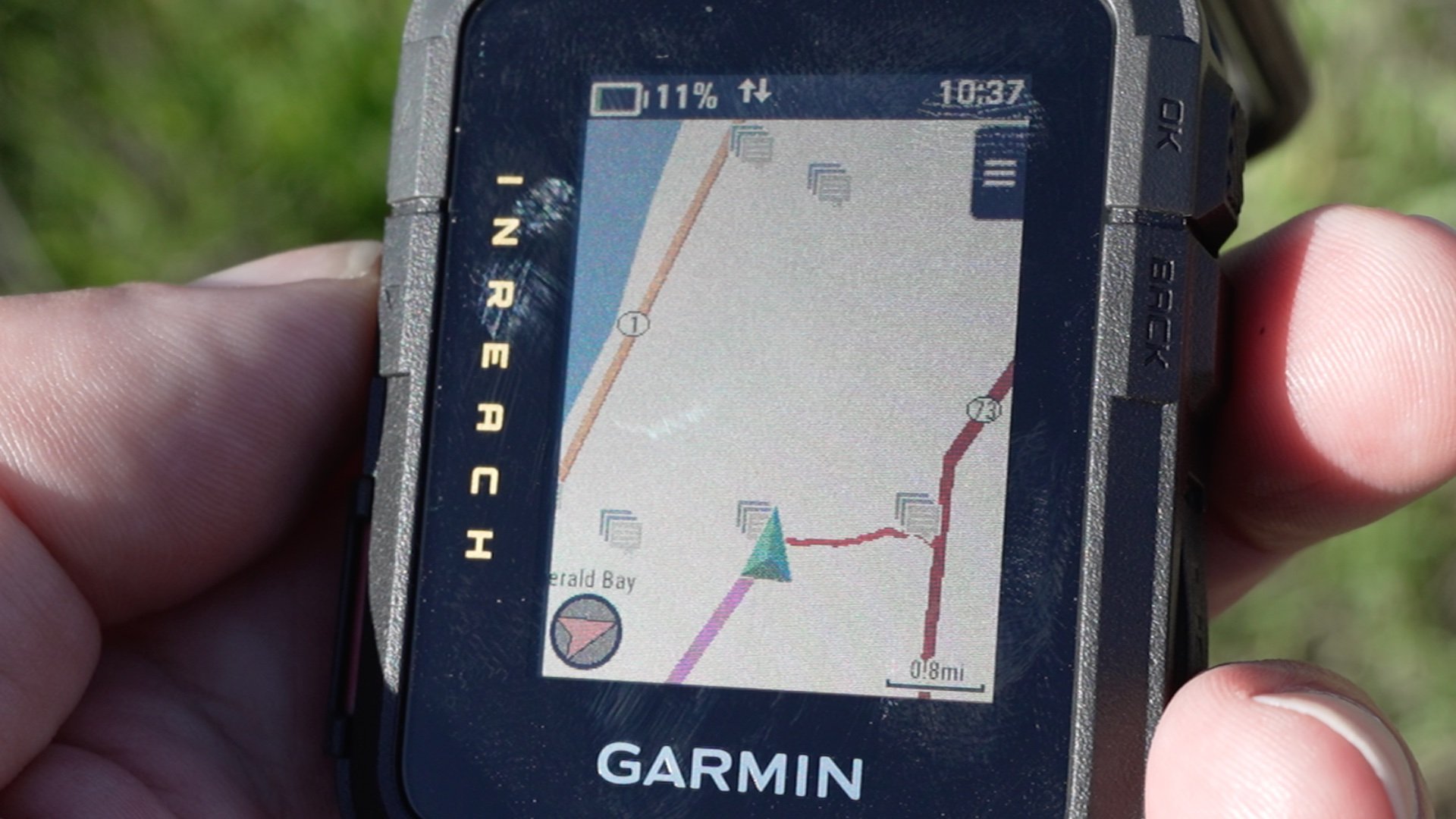
The Mini 3 quietly adds onboard maps and basic navigation, something the Mini 2 never had. Garmin doesn’t highlight it much, probably because the maps are limited. It’s just a simple basemap with no trail detail where I hike. You can navigate to saved waypoints or built-in points like cities, but the device only gives you straight-line guidance. If you want actual trail routing, you still need to create a course in Garmin Explore and follow it from there.
Right now it doesn’t look like you can load additional maps onto the Mini 3 either.
It’s still a step up from the Mini 2, and having any map at all can help with basic orientation, but it feels like a feature that stops halfway. Garmin already puts routable maps on their wearables, so it’s hard not to think this was a business choice rather than a technical limitation. With real maps, this could have been a game changer, especially given the color screen. As it stands, the color screen looks nice, but it doesn’t add much beyond prettier menus.
inReach: Plus vs Regular
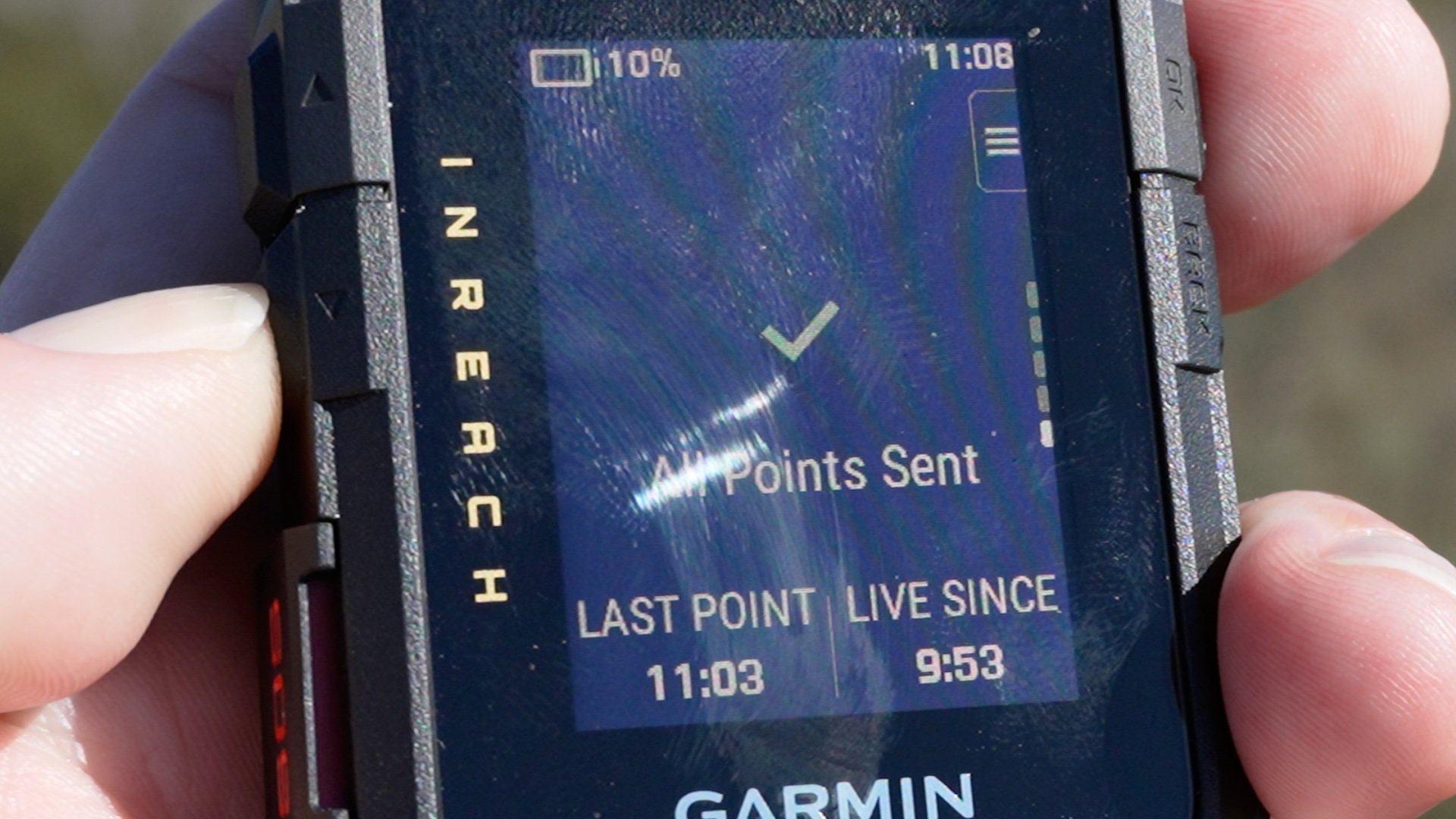
The regular Mini 3 appears to use the same Iridium Short Burst Data system as the Mini 2. The Plus model switches to Iridium Certus IMT, which is what allows it to send photos and short voice messages. That’s the version I’m testing.
On the Plus, messages have been fast and consistent, and the higher transmit power seems to push through tree cover very well. The two models use different antennas and networks, so it’s not a perfect one-to-one comparison, but the Plus does feel more robust in real use.
| Device | Transmit Power (Watts) |
|---|---|
| inReach Mini | 1.48 W |
| inReach Mini 2 | 1.51 W |
| inReach Mini 3 | 2.63 W |
| inReach Mini 3 Plus | 4.68 W |
| inReach Messenger Plus | 9.33 W |
| GPSMAP H1 Plus | 1.99 W |
Activation Updates
During setup, Garmin Messenger now gives you a choice: transfer your existing inReach subscription to the Mini 3 or add it as a second device on your account. This appears to be a new feature. For testing purposes, I added it as a second subscription, and that triggered a $40 activation fee.
Both devices show up under the same Messenger account, and messages sent to my Messenger address appeared on both units. It doesn’t look like each device gets its own unique number or ID. I still need to test how it behaves when replying to an SMS from one device versus the other, and I’ll cover that in the full review.
Early Verdict
The Mini 3 has been solid so far. No bugs or restarts in my first few hikes, and the touchscreen feels like a substantial improvement. I think Garmin missed an opportunity by not adding solar or routable maps, which could’ve made this a much bigger leap. Would I upgrade right now? Probably only if you really want photo or voice messaging. I’ll have a full comparison against the Mini 1 and 2, along with deeper battery and messaging tests, in an upcoming video and article.